
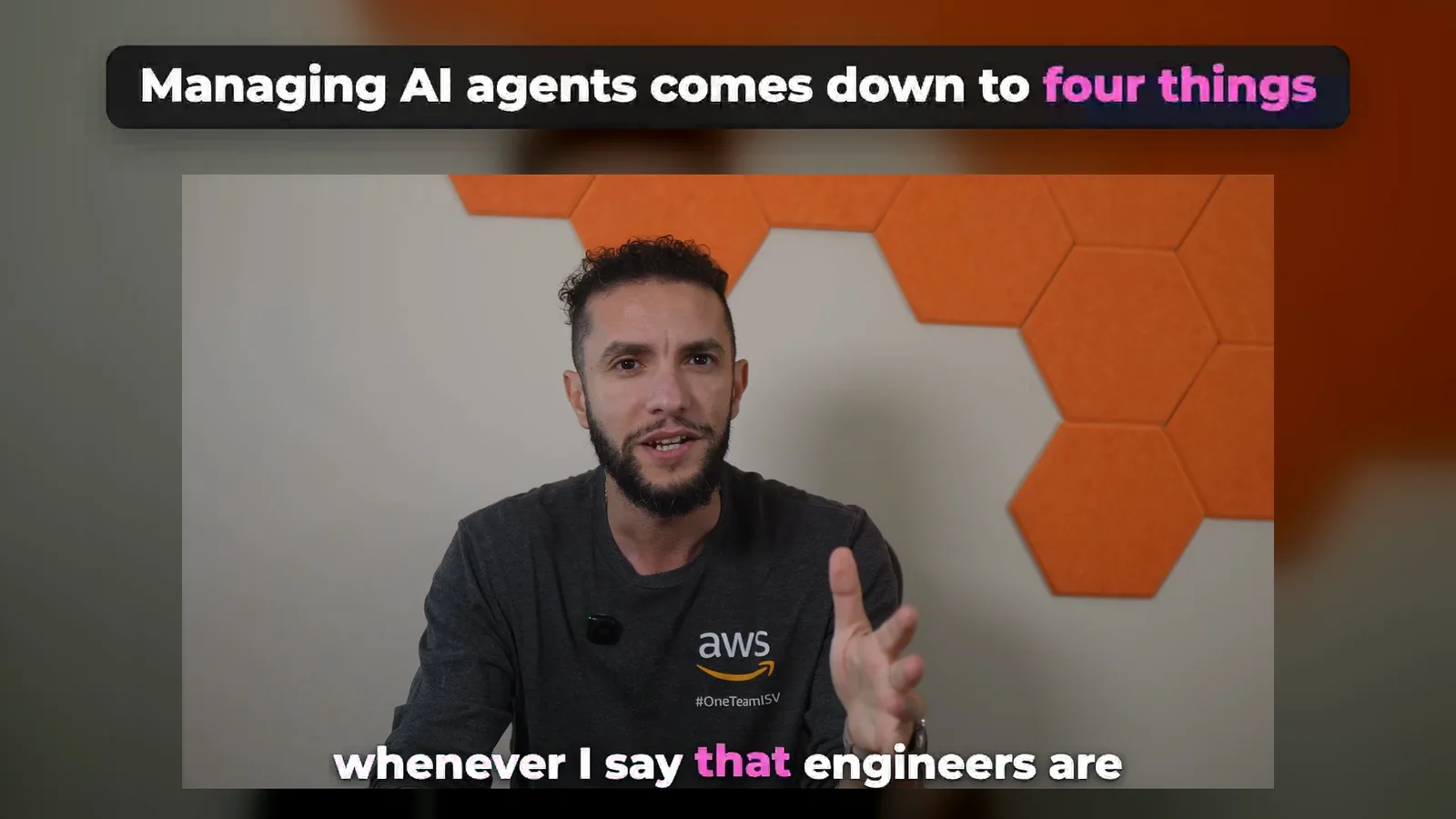
Watch a clip CoProd made
This clip comes from “Software Engineers Are Becoming AI Managers”, a 14:07 video on the @WinTheCloud channel. CoProd picked the passage at 10:05, kept the video’s own graphics and music, and added the captions, the headline and the end card.
The post CoProd drafted for it
If your answer to faster AI coding is "senior engineers review 10 times more code," you’ve built an expensive review department.
Once agents write code quickly, the bottleneck moves from writing to reviewing. A better approach is to classify changes by risk, using three questions: how large is the blast radius if this goes wrong, how easy is it to reverse, and how quickly would we notice a problem?
Then think in three lanes.
Low risk, like documentation updates or isolated test improvements, can suit a highly automated workflow, as long as the checks and permissions are appropriate.
Medium risk, like API behavior, background jobs, database queries or logic that affects customers, sits in the middle.
High risk, such as authentication, authorization and production data migrations, needs a human involved before the agent starts implementing, not just at the end.
The categories aren’t universal. The principle is: make autonomy proportional to risk. Let agents move fast where mistakes are contained, and slow down where the consequences are serious.
How would you draw your own three lanes?
The first comment is the link to the full video. For X, Threads and Bluesky, CoProd wrote a shorter post:
Don’t make seniors review 10x more AI code. Sort changes by blast radius, reversibility and how fast you’d notice a problem. Let agents run where mistakes are contained, add humans where they’re not.
What makes a good LinkedIn video clip?
A good LinkedIn clip is one complete idea: a point, the support for it and a takeaway, in whole sentences, from a single part of the video. It plays silently in the feed, so it needs captions, and its first seconds have to say what it’s about.
That is what CoProd asks for when it picks. It reads the final video’s timed speech and asks your writing provider for passages that stand alone, open on a line that needs no earlier context, and end on a finished thought. It rates each one on four things and ranks the set by them, weighting the idea and its value above the opening:
- Idea: one complete, self-contained point.
- Value: something a professional can use or would repost.
- Hook: how strongly the first line opens.
- Trend: how closely it touches what people are discussing now.
CoProd then checks every pick in code: whole sentences, one chapter, between 30 seconds and 2 minutes 15, no overlap with another clip and no links in the headline. A pick that fails is dropped, and the writer gets one retry with the problems listed.
| Shorts | Clips | |
|---|---|---|
| Shape | Vertical, 1080×1920 | Horizontal, 1920×1080 |
| Length | 15 to 60 seconds | 30 seconds to 2 minutes 15 |
| Cut from | The camera takes behind the edit | The published edit itself |
| Graphics, B-roll and music | No, the voice alone | Yes, as in the video |
| Made for | YouTube Shorts, Reels, TikTok | LinkedIn, X, Facebook |
| Text with each one | Title, hook line, hashtags | Headline, title, LinkedIn post, post for X, hashtags |
What every clip includes
- Your edit, not a crop. 1920×1080 at 30 frames a second, H.264 with AAC sound, with the graphics, B-roll, music and sound effects of the published video.
- Captions for every word. One line of up to seven words, the current word in your accent color, bundled Montserrat ExtraBold with a soft shadow and no outline.
- A headline. Up to 60 characters with one to three highlighted words, for the first 3.5 seconds. The picture is framed beneath it so it never covers a graphic’s title.
- Level sound. Loudness is brought to about −14 LUFS with peaks under −1 dBTP, fading out with the last word.
- Your end card. The channel logo, name and call to action you set for Shorts, laid out wide and held silently for 2.5 seconds.
- A cover image and the posts described below.
One real set of five
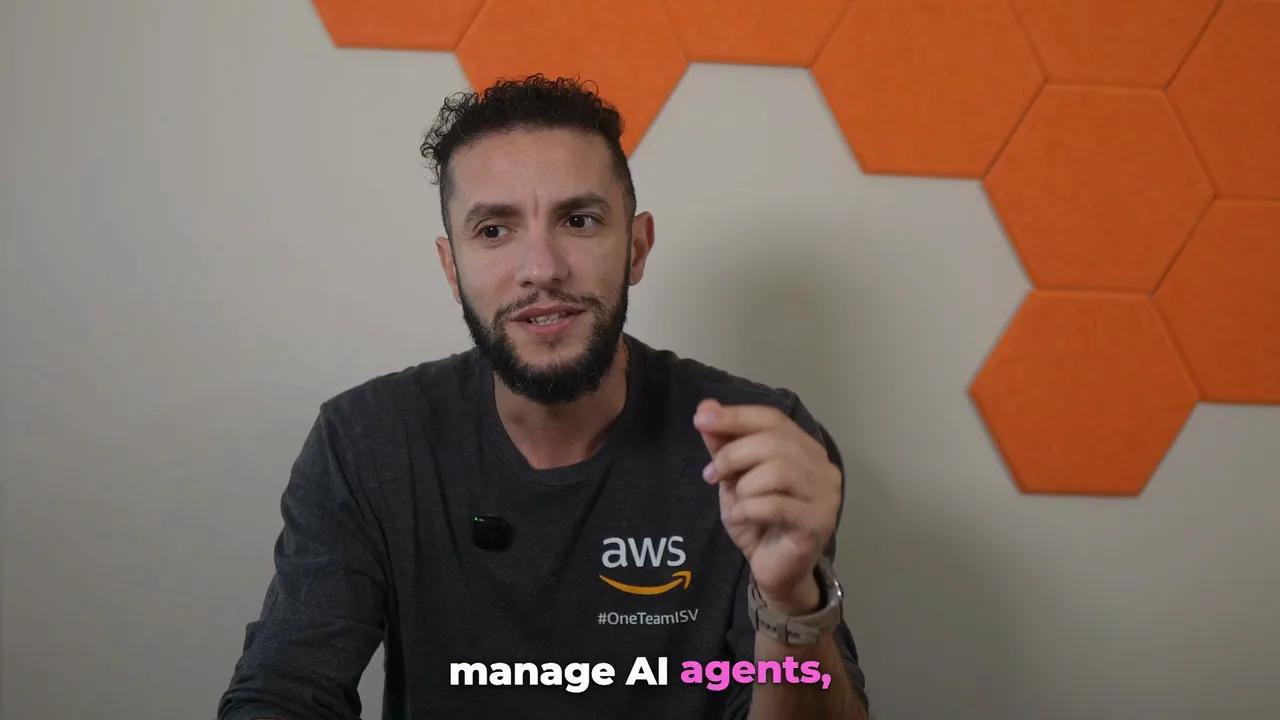
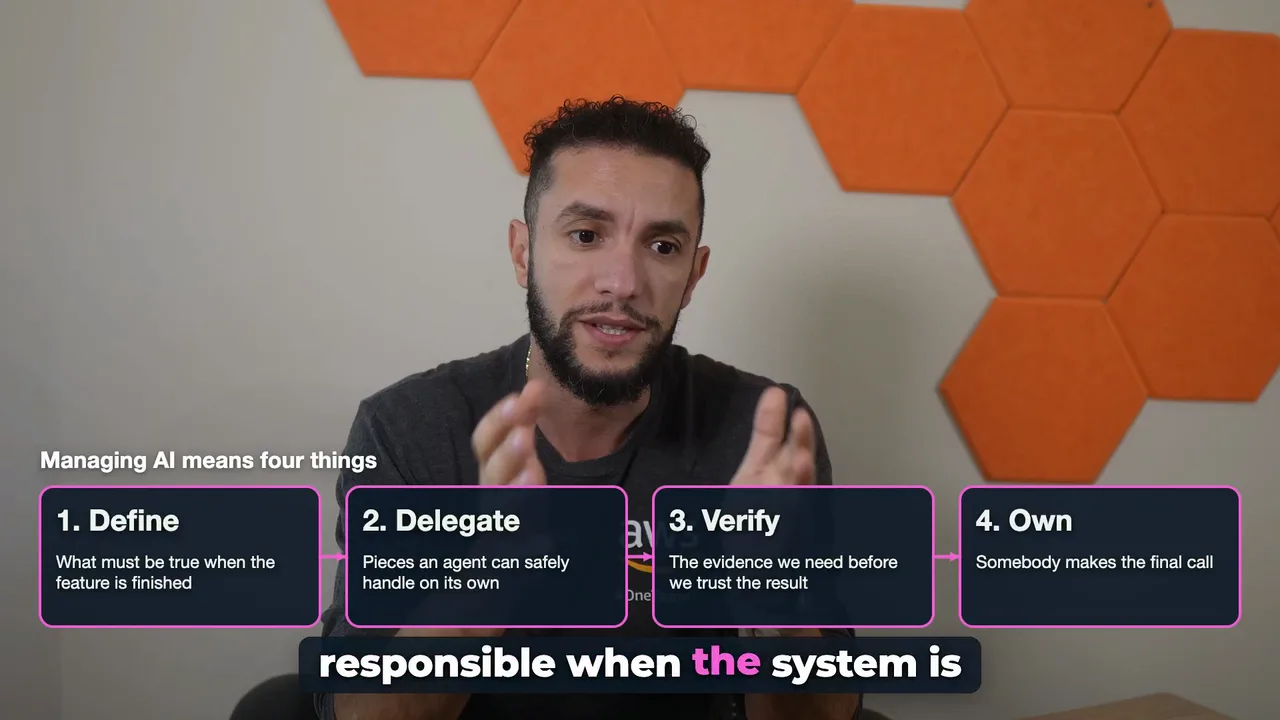
The five clips CoProd made from the 14:07 video, in its rank order. Picking the ideas and writing every post took one call to Claude Sonnet 5.5, about US$0.10; rendering the five took about 17 minutes on the creator’s Mac.
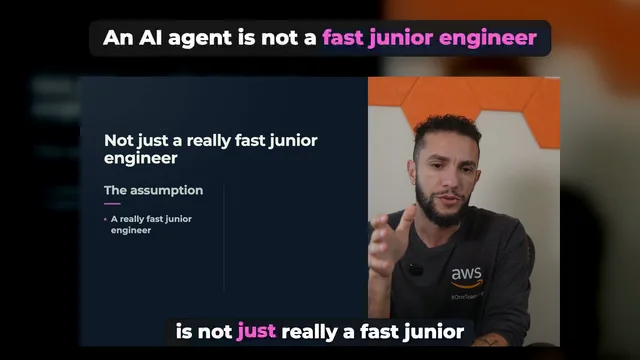
An AI agent is not a fast junior engineer
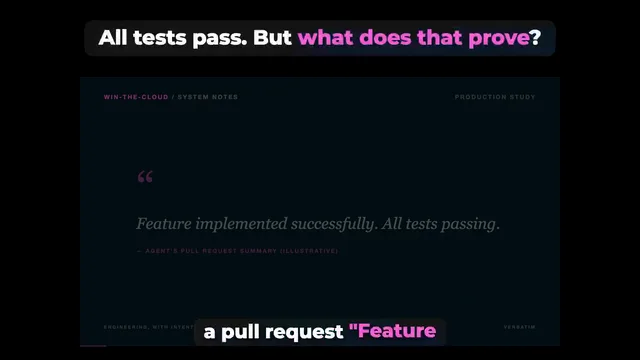
All tests pass. But what does that prove?
Make AI autonomy proportional to risk
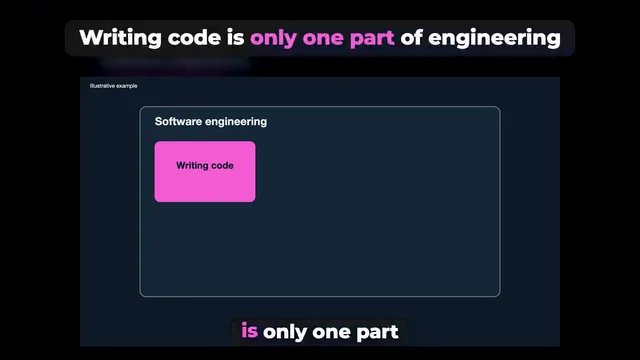
Writing code is only one part of engineering
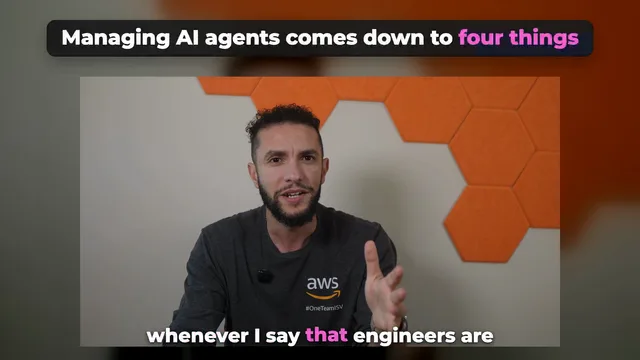
Managing AI agents comes down to four things
The score is a sorting hint for what to post first. It describes how an idea reads, never how many views a clip will get.
Make clips in CoProd Premium
Publish the video
Clips open once a production is published: upload it from CoProd, or record the link of an upload you made in YouTube Studio. They are cut from the final render you published.
Choose Make 5 Clips
In Publish → Clips, choose Make 5 Clips. The set runs in the background: CoProd reads the final video’s speech, picks the ideas, then renders clip by clip, and a notification says when it’s ready. A video already transcribed for Shorts or an article is not transcribed again.
Review the ideas
Each card shows the clip, its rank and score, its Hook, Idea, Value and Trend ratings, its length and where it starts in the long video, the headline, a title and why the idea works. Discard the ones you don’t want; Restore brings them back.
Edit the headline and posts
Edit… changes the headline and its highlighted words, the title, the LinkedIn post, the post for X and the hashtags. A new headline re-renders that clip on your Mac without another AI call; text edits never re-render.
Post it yourself
Copy Post gives you the LinkedIn post, Copy Link for First Comment the link to the full video, and Copy Post for X a post that fits 280 characters with the link. Share… or Export… hands you the MP4; CoProd never posts for you.
Posts ready to paste
Every clip comes with two posts written from what you actually say in it, in the language you speak and in your voice. They never add facts, numbers or quotes the video doesn’t contain.
- A LinkedIn post of short paragraphs, usually 600 to 1,300 characters, ending with a question for the comments, then the hashtags. It never carries a link: posts that send people off LinkedIn tend to reach fewer of them, so the link goes in the first comment.
- A post for X, Threads and Bluesky of up to 230 characters. Copy Post for X adds the link and as many hashtags as fit in 280 characters, counting the link as 23 the way X does.
- Hashtags and a title for the clip.
Export… writes a “Clips” folder outside your library with each clip’s MP4, its cover and a text file holding the title, headline, LinkedIn post, first comment and post for X.
What Clips doesn’t do
- It doesn’t post. You upload to LinkedIn, X or Facebook yourself.
- It doesn’t make square or 4:5 versions; vertical videos are what Shorts are for.
- It works on productions you made and published with CoProd, not on other videos on your channel.
- It doesn’t predict views. Ratings describe the idea, not its reach.
- It never changes the published video, its approvals or its status.
Availability
Clips are part of CoProd Premium from version 2026.73.0, alongside Shorts and article drafts from published videos. The free, source-available edition doesn’t include them. Premium is a one-time purchase (US$50 for the first 50 buyers, then US$149 for one Mac, US$199 for 3 Macs and US$249 for 5), includes two years of updates and covers one creator on 1, 3 or 5 Macs. Compare the editions.
Questions about LinkedIn clips
What is the difference between Shorts and Clips in CoProd?
Shorts are vertical 1080×1920 videos of 15 to 60 seconds for YouTube Shorts, Reels and TikTok, cut from the camera takes behind your edit. Clips are horizontal 1920×1080 videos of 30 seconds to 2 minutes 15 for LinkedIn, X and Facebook, cut from the published edit itself, so they keep its graphics, B-roll, music and sound effects. Each clip carries one complete idea and comes with a LinkedIn post and a post for X. Both are in CoProd Premium and share your end card.
How long is each clip?
Between 30 seconds and 2 minutes 15, aiming for 45 to 90 seconds, always whole sentences inside one chapter of the video. The 2 minute 15 limit leaves room for the 2.5-second end card within X’s 2 minute 20 second video limit for most accounts.
Why is the link not in the LinkedIn post?
Posts that send people away from LinkedIn tend to reach fewer of them, so CoProd keeps the post itself free of links and gives you Copy Link for First Comment to paste the full video’s link as the first comment. The post for X carries the link, because X counts any link as 23 characters and CoProd fits the post, the link and as many hashtags as possible into 280.
Do the clips have captions?
Yes. LinkedIn, X and Facebook start videos muted, so every spoken word is burned in, one line of up to seven words at a time with the current word highlighted, taken from the video’s own words. Over you the line stands on the picture; while a graphic fills the frame it sits on a dark panel so it never runs into the graphic’s text. If your long video burned in its own captions and CoProd can’t find the build’s caption-free picture, the clip keeps the video’s captions and adds none.
Does CoProd post to LinkedIn or X for me?
No. CoProd makes the videos, covers and posts, and you post them. Copy Post, Copy Link for First Comment and Copy Post for X put the text on your clipboard; Share… or Export… hands you the MP4. Export… writes a folder with every clip’s MP4, cover image and a text file with its title, headline, LinkedIn post, first comment and post for X.
What does making clips cost?
Clips are part of CoProd Premium. Picking the ideas and writing the posts is one call to your writing provider with your own key, billed by that provider: for a 14-minute video it cost about US$0.10 with Claude Sonnet 5.5. Rendering happens on your Mac and costs nothing, and so does a new headline. If the video has no saved transcript, it is transcribed once with your transcription provider.
Which languages do the posts use?
The posts are written in the language of the video’s speech, in the creator’s voice, and never add facts, numbers or quotes the video doesn’t say.
Can I make clips from a video I didn’t make in CoProd?
No. Clips come from a CoProd production that has been published, including one you finished in DaVinci Resolve or Final Cut Pro and brought back into CoProd. They aren’t cut from other videos on your channel.
Keep reading
Product details checked against CoProd Premium 2026.73.0 on . CoProd is independent software, not affiliated with LinkedIn, X, Meta, YouTube or Google.